Your Resources
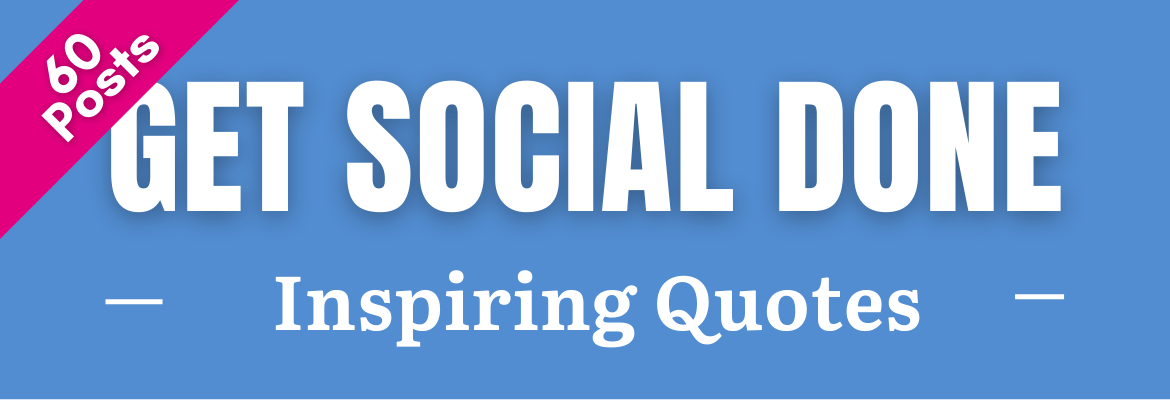
Canva Template
Your starter template has done most of the design work for you around the topic of each post. Simply adjust the copy as needed, add your logo and switch the colors to match your brand.
Your BONUS Resources
10 step Social Media Strategic Planner
Your 12 month marketing planner spreadsheet will help you plan, create and execute an annual marketing plan for building your Pilates business.
12 month planner spreadsheet
Your 12 month marketing planner spreadsheet will help you plan, create and execute an annual marketing plan for building your Pilates business.
Google drive folder organization
Download this Google drive folder organizations that file for premade folder structure that will keep track of all your Get Social Done assets and resources. Note these are meant as an example, and work great but you have to change the names of the folder to match the campaigns that you use.
Campaign Creation Checklist
Download this spreadsheet to help you track the progress of your Get Social Done campaign assets creation.
Campaign Automation Spreadsheet
Download this spreadsheet to when you’re ready to begin streamlining your process by uploading and automating a years worth of Evergreen campaign content that can be reused year after year.
This spreadsheet is formatted for our own social media automation product. If you use another solution like HootSuite, you can download an automation template from your account.
Production & Automation Accounts
- Canva Login
- HootSuite login
- Get A social media automation account from Us
- Get a HootSuite account
- Get a Canva account
Tutorials
Where to Find Your Get Social Done Purchases
The tutorial videos below will show you where to find the get social done campaigns that you have purchased.
Click to play
getting organized
This tutorial guides you step-by-step through the process of getting organized in Google drive. As well as downloading the assets in your Get Social Done membership into the file organization that you create..
Click to play
Click to play
Your GSD Images And Captions In Canva
This tutorial will guide you through the process of accessing, your canva campaign images and captions .
Click to play
Get A Canva Account
Downloading Your Design Images From Canva
The tutorial will show you how to download your campaign images from Canva
Click to play
Organizing Your Design Images From Canva
This tutorial shows you how to organize your Canva campaign images after downloading..
Click to play
Uploading Designs To Your Content Library, add captions, categorize and schedule posts
The tutorial videos below will show you how to upload designs to your content library, add captions, categorize and schedule posts in minutes.
Click to play
Fitness Expert Club Benefits
- Free Member Only courses and trainings
- Automatic 10% Discounts on premium courses, trainings & Products
- access to our private Facebook group Fitness professionals if you’re not already a member.
- Eligible to participate in Fitness Business Pros Facebook live panel discussions.
- Go through the ” Pathway to the “Truly Hybrid Fitness Business” course, to indicate your interest in participation in these exciting conversations.
Free Courses – Instant Access
Guide
Guide / image
1 Lessons
Future Proof Your Fitness Business Selling Videos To Clients Beyond Your Neighborhood
__CONFIG_colors_palette__{“active_palette”:0,”config”:{“colors”:{“89b00”:{“name”:”Main Accent”,”parent”:-1},”f4f63″:{“name”:”Accent Dark”,”parent”:”89b00″,”lock”:{“saturation”:1}}},”gradients”:[]},”palettes”:[{“name”:”Default”,”value”:{“colors”:{“89b00”:{“val”:”var(–tcb-skin-color-0)”},”f4f63″:{“val”:”rgb(24, 33, 42)”,”hsl_parent_dependency”:{“h”:210,”l”:0.13,”s”:0.27}}},”gradients”:[]},”original”:{“colors”:{“89b00”:{“val”:”rgb(19, 114, 211)”,”hsl”:{“h”:210,”s”:0.83,”l”:0.45,”a”:1}},”f4f63″:{“val”:”rgb(12, 17, 21)”,”hsl_parent_dependency”:{“h”:206,”s”:0.27,”l”:0.06,”a”:1}}},”gradients”:[]}}]}__CONFIG_colors_palette__ Start Course
Free
Text
Text / image
12 Lessons
Pathway To The Truly Hybrid Fitness Business
__CONFIG_colors_palette__{“active_palette”:0,”config”:{“colors”:{“89b00”:{“name”:”Main Accent”,”parent”:-1},”f4f63″:{“name”:”Accent Dark”,”parent”:”89b00″,”lock”:{“saturation”:1}}},”gradients”:[]},”palettes”:[{“name”:”Default”,”value”:{“colors”:{“89b00”:{“val”:”var(–tcb-skin-color-0)”},”f4f63″:{“val”:”rgb(24, 33, 42)”,”hsl_parent_dependency”:{“h”:210,”l”:0.13,”s”:0.27}}},”gradients”:[]},”original”:{“colors”:{“89b00”:{“val”:”rgb(19, 114, 211)”,”hsl”:{“h”:210,”s”:0.83,”l”:0.45,”a”:1}},”f4f63″:{“val”:”rgb(12, 17, 21)”,”hsl_parent_dependency”:{“h”:206,”s”:0.27,”l”:0.06,”a”:1}}},”gradients”:[]}}]}__CONFIG_colors_palette__ Start Course
Free
Video/Text
Video/Text / image
2 Lessons
MINDBODY Bold 2021: Increase Your Intro Offer Sales With 10x Retargeting Funnels
__CONFIG_colors_palette__{“active_palette”:0,”config”:{“colors”:{“89b00”:{“name”:”Main Accent”,”parent”:-1},”f4f63″:{“name”:”Accent Dark”,”parent”:”89b00″,”lock”:{“saturation”:1}}},”gradients”:[]},”palettes”:[{“name”:”Default”,”value”:{“colors”:{“89b00”:{“val”:”var(–tcb-skin-color-0)”},”f4f63″:{“val”:”rgb(24, 33, 42)”,”hsl_parent_dependency”:{“h”:210,”l”:0.13,”s”:0.27}}},”gradients”:[]},”original”:{“colors”:{“89b00”:{“val”:”rgb(19, 114, 211)”,”hsl”:{“h”:210,”s”:0.83,”l”:0.45,”a”:1}},”f4f63″:{“val”:”rgb(12, 17, 21)”,”hsl_parent_dependency”:{“h”:206,”s”:0.27,”l”:0.06,”a”:1}}},”gradients”:[]}}]}__CONFIG_colors_palette__ Continue course
Free