fitbusinesspros.com

Author: Mark Firehammer

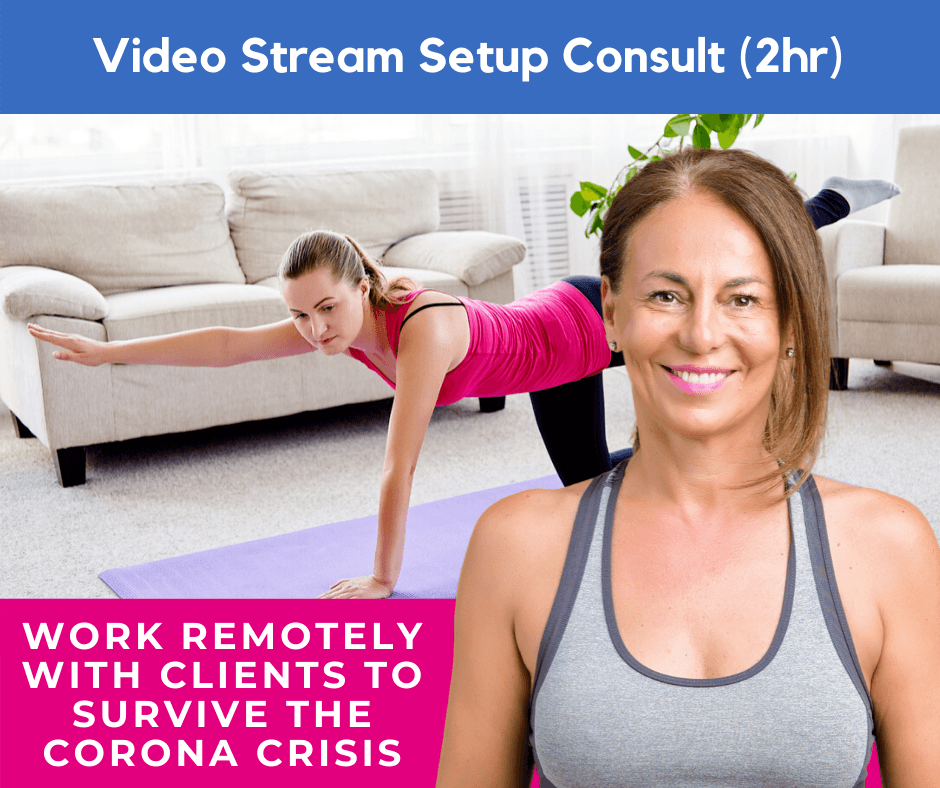
  • Top 3 Tips To Work with Your Clients to Survive the Corona Crisis

    Top 3 Tips To Work with Your Clients to Survive the Corona Crisis

    Let’s face it, the coronavirus represents a clear threat that is likely to get worse before it gets better. The key to except that in take practical steps to adapt to an evolving situation. read on to learn 3 tips that will help you, your instructors, and your clients work together to get through the crisis.

    The Real Problem From A Business Point of View

    Local businesses like our Pilates studios count on the revenue that comes from clients coming through the door a regular basis. We are already seeing cancellations rising dramatically, due to fear, health vulnerabilities and in some cases actual quarantine.

    3 Steps

    1

    Communication

    Write an e-mail to your clients that is honest and transparent about what you are all facing and ask for their help. Explain that you have come up with a plan to deliver live as well as on-demand classes for them to use when they can’t or are not allowed to come to the studio. Be sure that you are taking the recommended cleaning and personal hygiene steps in studio to do everything you can to ensure a safe environment for those who can come. Outline what you are doing and assure them that every precaution is being taken.

    2

    A Win-Win offer

    Offer a win-win pricing solution that will produce the revenue necessary to keep the business alive, while continuing to deliver value remotely to your community of clients for the duration of the crisis.

    Here are some examples of pricing options and approaches to this challenge

    1. Ask your clients to pay a percentage of or all of their average monthly investment in a reoccurring pricing option that lasts for the duration of the crisis. Assure them that their existing investments in memberships, contracts, session packages and the like will be preserved and waiting for them after the crisis is over.
    2. Ask your clients to pay what they can afford during the crisis, using a choose your own price or PayPal donation button with a reoccurring choice attached.

    Set up your payment options in Mindbody or whatever studio management software you use, to keep the revenue flowing.

    3

    Set up Your Content Delivery

    Set up a video streaming account, like YouTube, Vimeo or some other solution. You will simply deliver access to that content to those that purchase your live streaming interim pricing option. There are several fairly easy ways to accomplish this ranging from simply delivering a link to the video channel you create, or embed that content into a password-protected page on your website.

    Regarding Video and Live Stream Production

    Because time is of the essence it’s important to not over think this and keep it simple. you want to make this available in a couple of days, not weeks or months.

    Good news is that the average smart phone has all the technology you need to live stream as well as create recorded content to be uploaded to your channel. Just take steps to make sure this plenty of light, and that your room supports decent audio which can be accomplished by keeping the camera close, or wearing a body microphone which are not expensive.

    Summary

    If your studio is anything like ours you are part of the community that’s important to both the clients the staff and the owners. So agreeing on the terms that will preserve the value of your studio beyond the crisis is key to surviving it together.

    Additional Resources

    Need help fast getting set up to deliver video or live streaming content?
  • TGIF Edition

    TGIF Edition

    Your Resources

    Canva Template

    Your starter template has done most of the design work for you around the topic of each post. Simply adjust the copy as needed, add your logo and switch the colors to match your brand.

    Your BONUS Resources

    12 month planner spreadsheet

    Your 12 month marketing planner spreadsheet will help you plan, create and execute an annual marketing plan for building your Pilates business.

    12 month planner

    Google drive folder organization

    Download this Google drive folder organizations that file for premade folder structure that will keep track of all your Get Social Done assets and resources. Note these are meant as an example, and work great but you have to change the names of the folder to match the campaigns that you use.

    Zip File Download

    Campaign Creation Checklist

    Download this spreadsheet to help you track the progress of your  Get Social Done campaign assets creation.

    Get the spreadsheet

    Campaign Automation Spreadsheet

    Download this spreadsheet to when you’re ready to begin streamlining your process by uploading and automating a years worth of Evergreen campaign content that can be reused year after year.

    This spreadsheet is formatted for our own social media automation product. If you use another solution like HootSuite, you can download an automation template from your account.

    Get the spreadsheet

    Production & Automation Accounts

    Tutorials

    Where to Find Your Get Social Done Purchases

    The tutorial videos below will show you where to find the get social done campaigns that you have purchased.

    Click to play

    getting organized

    The tutorial videos below will guide you step-by-step through the process of getting organized and will drive. As well as downloading the assets in your getting social done membership into the file organization that you create or download..

    Click to play

    Click to play

    Your GSD Images And Captions In Canva

    The tutorial videos below will guide you should do the process of accessing, editing, downloading and organizing your Canva templates.

    Click to play

    Get A Canva Account

    CAnva is a trusted PBP partner.

    Downloading Your Design Images From Canva

    The tutorial video below will show you how to prepare your posts for scheduling or automation.

    Click to play

    Organizing Your Design Images From Canva

    The tutorial videos below will show you how to download your prepared post automation spreadsheet, and then schedule them using our social media automation workspace.

    Click to play

    Uploading Designs To Your Content Library, add captions, categorize and schedule posts

    The tutorial videos below will show you how to upload designs to your content library, add captions, categorize and schedule posts in minutes/

    Click to play

    Fitness Expert Club Benefits

    • Free Member Only courses and trainings
    • Automatic 10% Discounts on premium courses, trainings & Products
    • access to our private Facebook group Pilates professionals if you’re not already a member.
    • Eligible to participate in Pilates Business Pros Facebook live panel discussions.
      •  Go through the ” Pathway to the “Truly Hybrid Fitness Business” course, to indicate your interest in participation in these exciting conversations.

    Free Courses – Instant Access

    Guide

    Guide / image

    1 Lessons


    Future Proof Your Fitness Business Selling Videos To Clients Beyond Your Neighborhood

    __CONFIG_colors_palette__{“active_palette”:0,”config”:{“colors”:{“89b00”:{“name”:”Main Accent”,”parent”:-1},”f4f63″:{“name”:”Accent Dark”,”parent”:”89b00″,”lock”:{“saturation”:1}}},”gradients”:[]},”palettes”:[{“name”:”Default”,”value”:{“colors”:{“89b00”:{“val”:”var(–tcb-skin-color-0)”},”f4f63″:{“val”:”rgb(24, 33, 42)”,”hsl_parent_dependency”:{“h”:210,”l”:0.13,”s”:0.27}}},”gradients”:[]},”original”:{“colors”:{“89b00”:{“val”:”rgb(19, 114, 211)”,”hsl”:{“h”:210,”s”:0.83,”l”:0.45,”a”:1}},”f4f63″:{“val”:”rgb(12, 17, 21)”,”hsl_parent_dependency”:{“h”:206,”s”:0.27,”l”:0.06,”a”:1}}},”gradients”:[]}}]}__CONFIG_colors_palette__ Start Course

    Free

    Text

    Text / image

    12 Lessons


    Pathway To The Truly Hybrid Fitness Business

    __CONFIG_colors_palette__{“active_palette”:0,”config”:{“colors”:{“89b00”:{“name”:”Main Accent”,”parent”:-1},”f4f63″:{“name”:”Accent Dark”,”parent”:”89b00″,”lock”:{“saturation”:1}}},”gradients”:[]},”palettes”:[{“name”:”Default”,”value”:{“colors”:{“89b00”:{“val”:”var(–tcb-skin-color-0)”},”f4f63″:{“val”:”rgb(24, 33, 42)”,”hsl_parent_dependency”:{“h”:210,”l”:0.13,”s”:0.27}}},”gradients”:[]},”original”:{“colors”:{“89b00”:{“val”:”rgb(19, 114, 211)”,”hsl”:{“h”:210,”s”:0.83,”l”:0.45,”a”:1}},”f4f63″:{“val”:”rgb(12, 17, 21)”,”hsl_parent_dependency”:{“h”:206,”s”:0.27,”l”:0.06,”a”:1}}},”gradients”:[]}}]}__CONFIG_colors_palette__ Start Course

    Free

    Video/Text

    Video/Text / image

    2 Lessons


    MINDBODY Bold 2021: Increase Your Intro Offer Sales With 10x Retargeting Funnels

    __CONFIG_colors_palette__{“active_palette”:0,”config”:{“colors”:{“89b00”:{“name”:”Main Accent”,”parent”:-1},”f4f63″:{“name”:”Accent Dark”,”parent”:”89b00″,”lock”:{“saturation”:1}}},”gradients”:[]},”palettes”:[{“name”:”Default”,”value”:{“colors”:{“89b00”:{“val”:”var(–tcb-skin-color-0)”},”f4f63″:{“val”:”rgb(24, 33, 42)”,”hsl_parent_dependency”:{“h”:210,”l”:0.13,”s”:0.27}}},”gradients”:[]},”original”:{“colors”:{“89b00”:{“val”:”rgb(19, 114, 211)”,”hsl”:{“h”:210,”s”:0.83,”l”:0.45,”a”:1}},”f4f63″:{“val”:”rgb(12, 17, 21)”,”hsl_parent_dependency”:{“h”:206,”s”:0.27,”l”:0.06,”a”:1}}},”gradients”:[]}}]}__CONFIG_colors_palette__ Continue course

    Free

  • Joe Quotes Edition

    Joe Quotes Edition

    Your Resources

    Canva Template

    Your starter template has done most of the design work for you around the topic of each post. Simply adjust the copy as needed, add your logo and switch the colors to match your brand.

    Your BONUS Resources

    12 month planner spreadsheet

    Your 12 month marketing planner spreadsheet will help you plan, create and execute an annual marketing plan for building your Pilates business.

    12 month planner

    Google drive folder organization

    Download this Google drive folder organizations that file for premade folder structure that will keep track of all your Get Social Done assets and resources. Note these are meant as an example, and work great but you have to change the names of the folder to match the campaigns that you use.

    Zip File Download

    Campaign Creation Checklist

    Download this spreadsheet to help you track the progress of your  Get Social Done campaign assets creation.

    Get the spreadsheet

    Campaign Automation Spreadsheet

    Download this spreadsheet to when you’re ready to begin streamlining your process by uploading and automating a years worth of Evergreen campaign content that can be reused year after year.

    This spreadsheet is formatted for our own social media automation product. If you use another solution like HootSuite, you can download an automation template from your account.

    Get the spreadsheet

    Production & Automation Accounts

    Tutorials

    Where to Find Your Get Social Done Purchases

    The tutorial videos below will show you where to find the get social done campaigns that you have purchased.

    Click to play

    getting organized

    The tutorial videos below will guide you step-by-step through the process of getting organized and will drive. As well as downloading the assets in your getting social done membership into the file organization that you create or download..

    Click to play

    Click to play

    Your GSD Images And Captions In Canva

    The tutorial videos below will guide you should do the process of accessing, editing, downloading and organizing your Canva templates.

    Click to play

    Get A Canva Account

    CAnva is a trusted PBP partner.

    Downloading Your Design Images From Canva

    The tutorial video below will show you how to prepare your posts for scheduling or automation.

    Click to play

    Organizing Your Design Images From Canva

    The tutorial videos below will show you how to download your prepared post automation spreadsheet, and then schedule them using our social media automation workspace.

    Click to play

    Uploading Designs To Your Content Library, add captions, categorize and schedule posts

    The tutorial videos below will show you how to upload designs to your content library, add captions, categorize and schedule posts in minutes/

    Click to play

    Fitness Expert Club Benefits

    • Free Member Only courses and trainings
    • Automatic 10% Discounts on premium courses, trainings & Products
    • access to our private Facebook group Pilates professionals if you’re not already a member.
    • Eligible to participate in Pilates Business Pros Facebook live panel discussions.
      •  Go through the ” Pathway to the “Truly Hybrid Fitness Business” course, to indicate your interest in participation in these exciting conversations.

    Free Courses – Instant Access

    Guide

    Guide / image

    1 Lessons


    Future Proof Your Fitness Business Selling Videos To Clients Beyond Your Neighborhood

    __CONFIG_colors_palette__{“active_palette”:0,”config”:{“colors”:{“89b00”:{“name”:”Main Accent”,”parent”:-1},”f4f63″:{“name”:”Accent Dark”,”parent”:”89b00″,”lock”:{“saturation”:1}}},”gradients”:[]},”palettes”:[{“name”:”Default”,”value”:{“colors”:{“89b00”:{“val”:”var(–tcb-skin-color-0)”},”f4f63″:{“val”:”rgb(24, 33, 42)”,”hsl_parent_dependency”:{“h”:210,”l”:0.13,”s”:0.27}}},”gradients”:[]},”original”:{“colors”:{“89b00”:{“val”:”rgb(19, 114, 211)”,”hsl”:{“h”:210,”s”:0.83,”l”:0.45,”a”:1}},”f4f63″:{“val”:”rgb(12, 17, 21)”,”hsl_parent_dependency”:{“h”:206,”s”:0.27,”l”:0.06,”a”:1}}},”gradients”:[]}}]}__CONFIG_colors_palette__ Start Course

    Free

    Text

    Text / image

    12 Lessons


    Pathway To The Truly Hybrid Fitness Business

    __CONFIG_colors_palette__{“active_palette”:0,”config”:{“colors”:{“89b00”:{“name”:”Main Accent”,”parent”:-1},”f4f63″:{“name”:”Accent Dark”,”parent”:”89b00″,”lock”:{“saturation”:1}}},”gradients”:[]},”palettes”:[{“name”:”Default”,”value”:{“colors”:{“89b00”:{“val”:”var(–tcb-skin-color-0)”},”f4f63″:{“val”:”rgb(24, 33, 42)”,”hsl_parent_dependency”:{“h”:210,”l”:0.13,”s”:0.27}}},”gradients”:[]},”original”:{“colors”:{“89b00”:{“val”:”rgb(19, 114, 211)”,”hsl”:{“h”:210,”s”:0.83,”l”:0.45,”a”:1}},”f4f63″:{“val”:”rgb(12, 17, 21)”,”hsl_parent_dependency”:{“h”:206,”s”:0.27,”l”:0.06,”a”:1}}},”gradients”:[]}}]}__CONFIG_colors_palette__ Start Course

    Free

    Video/Text

    Video/Text / image

    2 Lessons


    MINDBODY Bold 2021: Increase Your Intro Offer Sales With 10x Retargeting Funnels

    __CONFIG_colors_palette__{“active_palette”:0,”config”:{“colors”:{“89b00”:{“name”:”Main Accent”,”parent”:-1},”f4f63″:{“name”:”Accent Dark”,”parent”:”89b00″,”lock”:{“saturation”:1}}},”gradients”:[]},”palettes”:[{“name”:”Default”,”value”:{“colors”:{“89b00”:{“val”:”var(–tcb-skin-color-0)”},”f4f63″:{“val”:”rgb(24, 33, 42)”,”hsl_parent_dependency”:{“h”:210,”l”:0.13,”s”:0.27}}},”gradients”:[]},”original”:{“colors”:{“89b00”:{“val”:”rgb(19, 114, 211)”,”hsl”:{“h”:210,”s”:0.83,”l”:0.45,”a”:1}},”f4f63″:{“val”:”rgb(12, 17, 21)”,”hsl_parent_dependency”:{“h”:206,”s”:0.27,”l”:0.06,”a”:1}}},”gradients”:[]}}]}__CONFIG_colors_palette__ Continue course

    Free

  • United States Holidays Celebration Edition

    United States Holidays Celebration Edition

    Your Resources

    Canva Template

    Your starter template has done most of the design work for you around the topic of each post. Simply adjust the copy as needed, add your logo and switch the colors to match your brand.

    Your BONUS Resources

    12 month planner spreadsheet

    Your 12 month marketing planner spreadsheet will help you plan, create and execute an annual marketing plan for building your Pilates business.

    12 month planner

    Google drive folder organization

    Download this Google drive folder organizations that file for premade folder structure that will keep track of all your Get Social Done assets and resources. Note these are meant as an example, and work great but you have to change the names of the folder to match the campaigns that you use.

    Zip File Download

    Campaign Creation Checklist

    Download this spreadsheet to help you track the progress of your  Get Social Done campaign assets creation.

    Get the spreadsheet

    Campaign Automation Spreadsheet

    Download this spreadsheet to when you’re ready to begin streamlining your process by uploading and automating a years worth of Evergreen campaign content that can be reused year after year.

    This spreadsheet is formatted for our own social media automation product. If you use another solution like HootSuite, you can download an automation template from your account.

    Get the spreadsheet

    Production & Automation Accounts

    Tutorials

    Where to Find Your Get Social Done Purchases

    The tutorial videos below will show you where to find the get social done campaigns that you have purchased.

    Click to play

    getting organized

    The tutorial videos below will guide you step-by-step through the process of getting organized and will drive. As well as downloading the assets in your getting social done membership into the file organization that you create or download..

    Click to play

    Click to play

    Your GSD Images And Captions In Canva

    The tutorial videos below will guide you should do the process of accessing, editing, downloading and organizing your Canva templates.

    Click to play

    Get A Canva Account

    CAnva is a trusted PBP partner.

    Downloading Your Design Images From Canva

    The tutorial video below will show you how to prepare your posts for scheduling or automation.

    Click to play

    Organizing Your Design Images From Canva

    The tutorial videos below will show you how to download your prepared post automation spreadsheet, and then schedule them using our social media automation workspace.

    Click to play

    Uploading Designs To Your Content Library, add captions, categorize and schedule posts

    The tutorial videos below will show you how to upload designs to your content library, add captions, categorize and schedule posts in minutes/

    Click to play

    Fitness Expert Club Benefits

    • Free Member Only courses and trainings
    • Automatic 10% Discounts on premium courses, trainings & Products
    • access to our private Facebook group Pilates professionals if you’re not already a member.
    • Eligible to participate in Pilates Business Pros Facebook live panel discussions.
      •  Go through the ” Pathway to the “Truly Hybrid Fitness Business” course, to indicate your interest in participation in these exciting conversations.

    Free Courses – Instant Access

    Guide

    Guide / image

    1 Lessons


    Future Proof Your Fitness Business Selling Videos To Clients Beyond Your Neighborhood

    __CONFIG_colors_palette__{“active_palette”:0,”config”:{“colors”:{“89b00”:{“name”:”Main Accent”,”parent”:-1},”f4f63″:{“name”:”Accent Dark”,”parent”:”89b00″,”lock”:{“saturation”:1}}},”gradients”:[]},”palettes”:[{“name”:”Default”,”value”:{“colors”:{“89b00”:{“val”:”var(–tcb-skin-color-0)”},”f4f63″:{“val”:”rgb(24, 33, 42)”,”hsl_parent_dependency”:{“h”:210,”l”:0.13,”s”:0.27}}},”gradients”:[]},”original”:{“colors”:{“89b00”:{“val”:”rgb(19, 114, 211)”,”hsl”:{“h”:210,”s”:0.83,”l”:0.45,”a”:1}},”f4f63″:{“val”:”rgb(12, 17, 21)”,”hsl_parent_dependency”:{“h”:206,”s”:0.27,”l”:0.06,”a”:1}}},”gradients”:[]}}]}__CONFIG_colors_palette__ Start Course

    Free

    Text

    Text / image

    12 Lessons


    Pathway To The Truly Hybrid Fitness Business

    __CONFIG_colors_palette__{“active_palette”:0,”config”:{“colors”:{“89b00”:{“name”:”Main Accent”,”parent”:-1},”f4f63″:{“name”:”Accent Dark”,”parent”:”89b00″,”lock”:{“saturation”:1}}},”gradients”:[]},”palettes”:[{“name”:”Default”,”value”:{“colors”:{“89b00”:{“val”:”var(–tcb-skin-color-0)”},”f4f63″:{“val”:”rgb(24, 33, 42)”,”hsl_parent_dependency”:{“h”:210,”l”:0.13,”s”:0.27}}},”gradients”:[]},”original”:{“colors”:{“89b00”:{“val”:”rgb(19, 114, 211)”,”hsl”:{“h”:210,”s”:0.83,”l”:0.45,”a”:1}},”f4f63″:{“val”:”rgb(12, 17, 21)”,”hsl_parent_dependency”:{“h”:206,”s”:0.27,”l”:0.06,”a”:1}}},”gradients”:[]}}]}__CONFIG_colors_palette__ Start Course

    Free

    Video/Text

    Video/Text / image

    2 Lessons


    MINDBODY Bold 2021: Increase Your Intro Offer Sales With 10x Retargeting Funnels

    __CONFIG_colors_palette__{“active_palette”:0,”config”:{“colors”:{“89b00”:{“name”:”Main Accent”,”parent”:-1},”f4f63″:{“name”:”Accent Dark”,”parent”:”89b00″,”lock”:{“saturation”:1}}},”gradients”:[]},”palettes”:[{“name”:”Default”,”value”:{“colors”:{“89b00”:{“val”:”var(–tcb-skin-color-0)”},”f4f63″:{“val”:”rgb(24, 33, 42)”,”hsl_parent_dependency”:{“h”:210,”l”:0.13,”s”:0.27}}},”gradients”:[]},”original”:{“colors”:{“89b00”:{“val”:”rgb(19, 114, 211)”,”hsl”:{“h”:210,”s”:0.83,”l”:0.45,”a”:1}},”f4f63″:{“val”:”rgb(12, 17, 21)”,”hsl_parent_dependency”:{“h”:206,”s”:0.27,”l”:0.06,”a”:1}}},”gradients”:[]}}]}__CONFIG_colors_palette__ Continue course

    Free

  • How To Use Online Reputation to Build Your Pilates Studio Business

    How To Use Online Reputation to Build Your Pilates Studio Business

    If your studio does not already have the best online reputation in your market you have to read this article. For our studio there were 2 distinct periods of time, the time before we had the best online reputation in our marketplace and the time after. The difference was clear, after we accomplish that there were more calls, and walk-ins to the studio.

    Having the Best Online Reputation Means Revenue

    Before the Internet, a business’s reputation were in the form of 1 person to 1 person referrals. They only lasted as long as the individual person to person interaction. There was no permanent record of that individual recommendation. Now that we have the peer to peer network via the  Internet and social media, reputation has become what is widely agreed upon as the single most influential type of content that local businesses like Pilates studios can use to influence business growth.

    It’s a Win Win for Success

    It’s what I like to call a 2Fer!

    1.  Reviews help consumers be successful.
    2. Reviews help businesses be more successful too, because they help attract more customers.

    2 facts about online reviews

    • The way to get reviews is to ask for reviews.
    • Business’s that don’t have reviews or have bad reviews are not asking for reviews.

    Your online reputation is the social proof that tells potential clients that you can be trusted, more so than your lower rates competitors. Reviews are influential because they help consumers ensure a desirable outcome for themselves.  By the same token when a business manages their reputation to be the best one in the marketplace it also ensures a desirable outcome for itself. That success comes in the form of more clients and more revenue, business growth and success. That totally makes since because business owners and their clients are human beings.  And human beings are motivated toward experiencing the most desirable outcomes.

    The simple truth is that reputation is important because it gives potential clients what they need to choose your studio over a competitor’s. Now the question is how do you manage to build and sustain the best reputation in the marketplace?

    Using Your Online Reputation to Win Is Simple

    Winning at anything worth winning is always the result of the actions that you take. When your actions are more effective than those of your competitors, you win.

    Here are a 2 facts regarding building online reputations

    1. The way to get more reviews is to ask for reviews.
    2. Business’s that don’t have reviews or only have bad reviews are not asking their customers for feedback and reviews.

    If your studio does not proactively ask for feedback and reviews and you do not have a clearly dominant online reputation, here are some ideas to get you started building your online reputation now.

    4 Approaches to building your online reputation.


    Super Simple

    Place a short request for feedback and the link to a review location in the footer of every transactional email. (Payment receipts come appointment reminders, scheduling confirmations, email newsletters etc )


    Simple

    Ask your clients at check out if you can text or email them a link to an online review location. Then send it!


    Less Simple – More Effective

    1. Set up a multi touch follow up email series that goes out a few hours after a client’s latest visit that asks them for review and gives them up to 3 locations to do so. This approach is good because it can be put on autopilot.
    2. Reward Check ins and then follow up those that check in with a request for a review on whatever platform they used to check in.

    This approach is good, but it will require a little more work on the part of first half to follow-up with those that check in and send the request to take the next step!

    Complex – Most Effective

    1. Build or buy a system where your clients sign in upon arrival then automatically:
    2. Texts and emails X hours later with a request for feedback.
    3. Automatically tries several times before giving up.
    4. Stops asking for feedback once they interact with a request.
    5. Sends negative feedback to a customer service email address to be managed appropriately.
    6. Sends positive feedback to an opportunity for pasting what they wrote into an online review location of their choice!
    7. Automatically add them to your email list.

    To Summarize:


    • Your online reputation is important because potential clients care about it
    • Building the best online reputation is probably the easiest way to increase revenue for your Pilates studio.
    • Getting reviews can be as easy as simply asking for them!
    • Or best ever a complex and automated process that puts building and managing the best reputation in your market on autopilot.

    Here’s a Challenge:

    1. Hand select 5 of your best clients every week and put it on your calendar to ask them for a review.
    2. Be sure to make it easy for them by giving them the links to where you need to review.

    PRO TIP:

    Pre-write the e-mail template in your point-of-sale or CRM system so that all you have to do is choose it and send it to your 5 clients every week!

    Need help? Grab Our Review Request Email Templates Here.

    We’d love to hear about your success so post your results back here in a comment!

  • Pilates Business Pros To Present at PMA

    Pilates Business Pros To Present at PMA

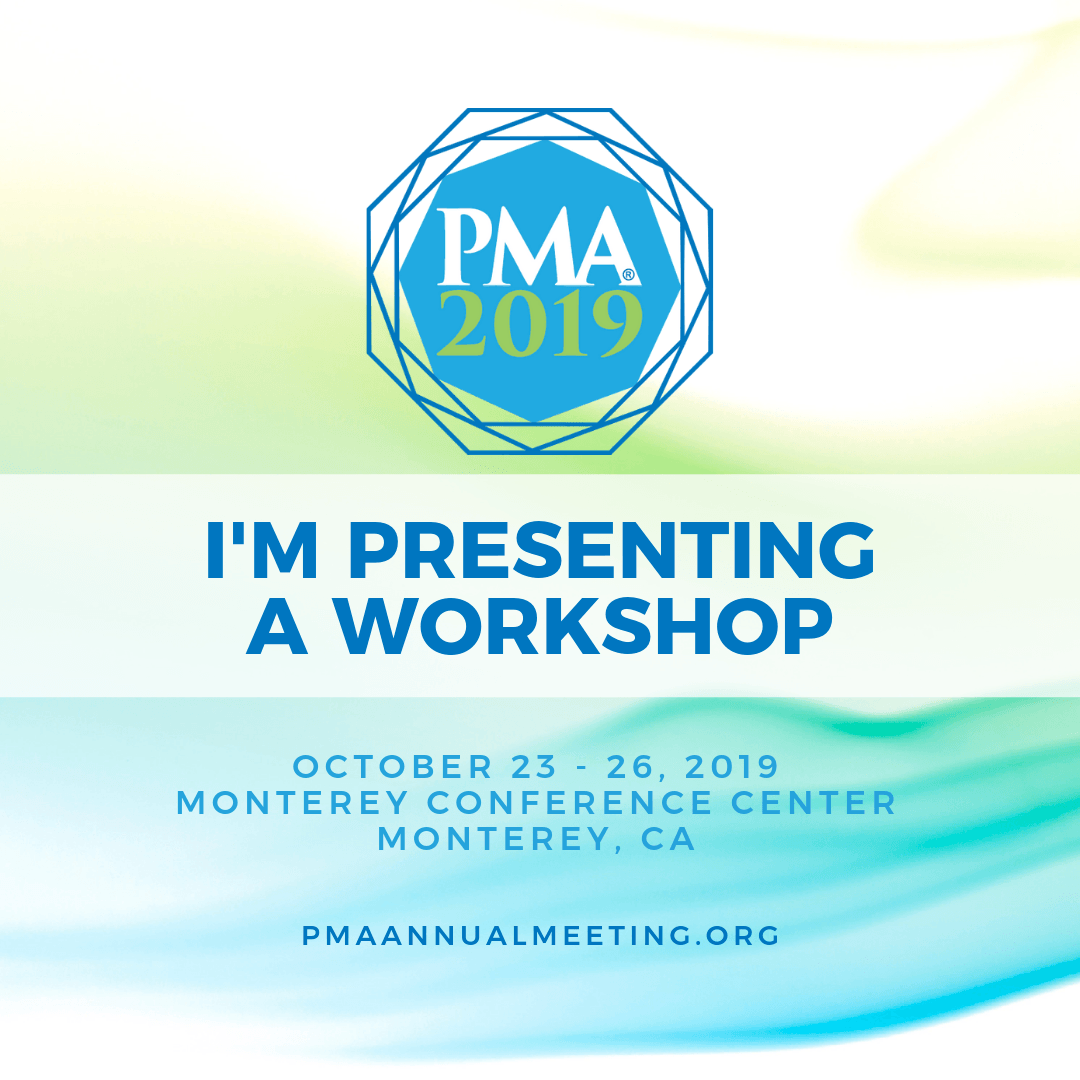
    Stuff a bag full of your coolest and most comfortable Pilates workout clothes and book a flight to Monterey, California for October 23. We’re very excited here at Pilates Business Pros, because we have been invited to present one of our Pilates business building workshops to the attendees of the 2019 Pilates Method Alliance gathering in Monterey, California October 23-26!

    California Here We Come

    Our presentation entitled “Creating a Client Avatar to Attract More Clients and Improve The Culture of Your Business” is jampacked with value and all participants will walk away from this workshop with a clear action plan for creating their own individual client avatars and how to use them effectively in their marketing practices.

    We hope you’ll join us there as it one epic pilates conference! And this will be the 19th annual meeting of the Pilates Method Alliance.

    Mark your calendar, synchronize your watch!

    Remarkable Content

    Networking Opportunities

    education & training

    More Information Here:Pilates Method Alliance Annual Meeting